Every guest moment, handled by Skreen
Skreen is the AI-powered platform for hospitality venues — bookings, payments, guest engagement, ordering, feedback and analytics, all in one place. Works on guest mobile via QR, on the TVs you already own, or both.
The Platform
Three Connected Products. One Complete Platform.
Skreen helps venues manage the full guest journey — from first conversation, to booking and payment, to the live in-venue experience.
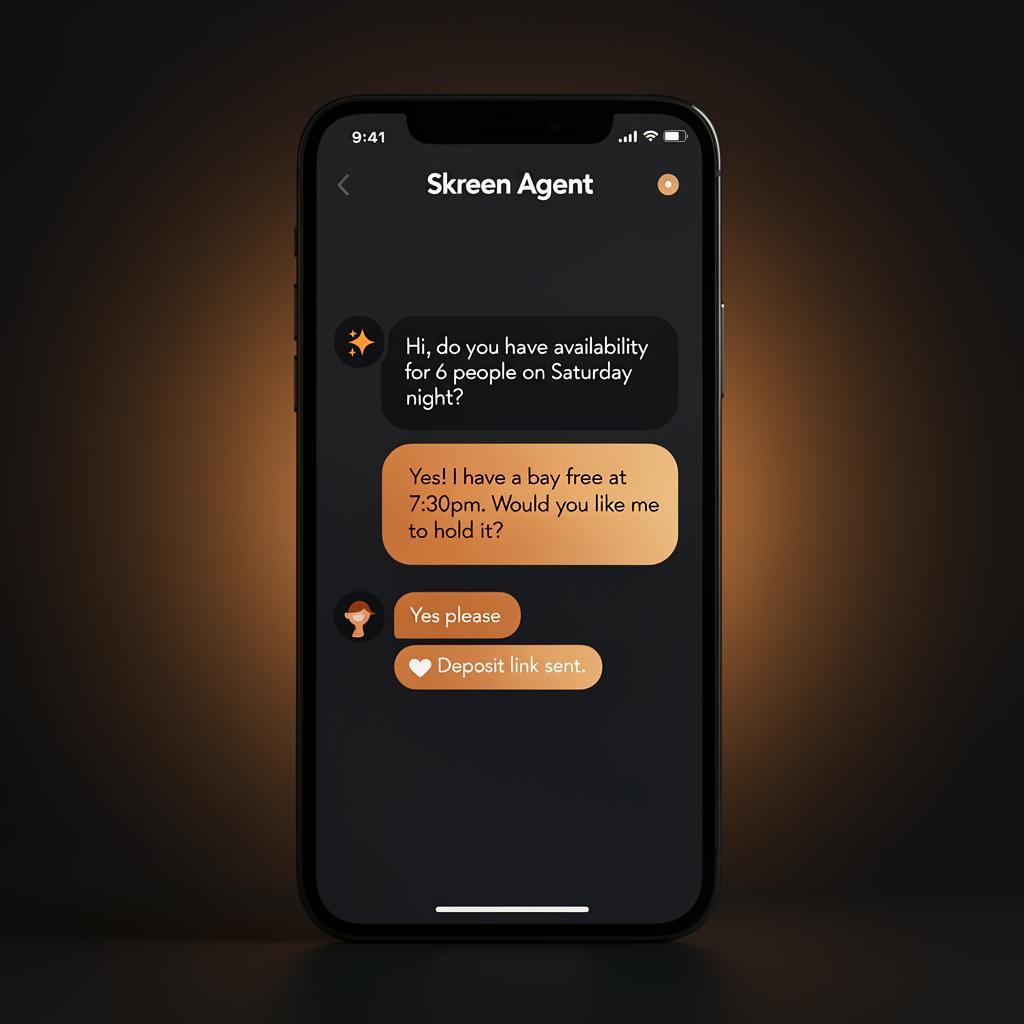
Skreen Agent
An always-on AI concierge that turns guest questions into guided conversations, recommendations, and bookings.
Guest AI Conversations
- Answers guest questions instantly
- Supports enquiries 24/7
- Recommends suitable activities, packages, and options
- Guides guests toward the best booking choice
- Handles common venue questions automatically
AI-Assisted Booking Support
- Checks real-time availability
- Provides accurate pricing
- Suggests alternative times or resources if unavailable
- Places temporary booking holds
- Sends guests through to secure payment
- Confirms reservations after payment
Multi-Channel Interaction
- Website chat support
- QR-based conversational journeys
- Text-message-ready conversation layer
- Audio-message-ready conversation layer
- Works for both guests and admins
Admin AI Assistant
- Helps staff check availability faster
- Creates bookings on behalf of guests
- Moves or edits bookings
- Summarises venue booking options
- Supports admin commands in natural language
Follow-up and Handoff
- Automated reminders and follow-ups
- Staff handoff when needed
- Conversation logging
- AI action logging
- Safe clarification flows
AI Safety Controls
- Never invents availability or pricing
- Uses live booking engine data only
- Requires confirmation before finalising actions
- Supports human takeover for sensitive cases
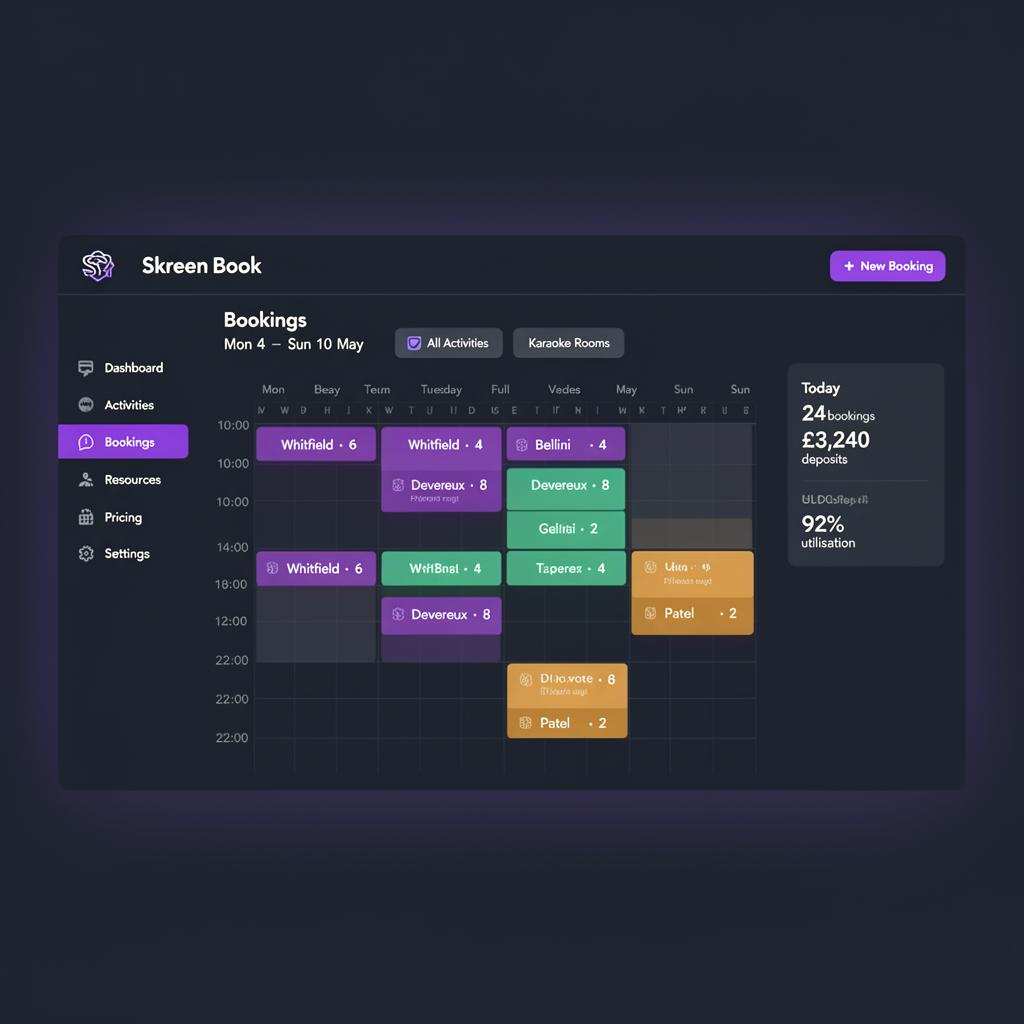
Skreen Book
Turn intent into a confirmed, paid booking — with availability, pricing, deposits and resource controls in one place.
Booking Engine
- Real-time availability checking
- Activity-based booking flows
- Resource-based booking logic
- Party size handling
- Duration-based booking options
- Temporary booking holds
- Booking confirmation workflows
- Cancellation and modification support
Admin Booking Console
- Manual booking creation
- Edit and move bookings
- Cancel bookings
- Add notes to bookings
- Mark bookings as paid
- Resend booking confirmations
- Block out time slots
- Create provisional holds
Calendar and Scheduling
- Day view
- Week view
- Resource calendar
- Operational booking calendar
- Availability visibility across resources
- Booking conflict prevention
Activities Management
- Add, edit, delete, and archive activities
- Set descriptions and imagery
- Enable or disable online booking
- Define min and max party size
- Set default duration
- Control activity visibility and status
Resources Management
- Add and manage physical resources
- Define resource types
- Set capacities
- Assign activities to resources
- Mark resources unavailable
- Control online booking status
Availability Management
- Weekly operating hours
- Activity-specific availability
- Resource-specific availability
- Buffer times between bookings
- Slot intervals
- Blackout dates
- Temporary closures
- Maintenance blocks
- Private holds
Pricing Management
- Activity-based pricing
- Resource-based pricing
- Peak and off-peak pricing
- Weekday and weekend pricing
- Per-person pricing
- Per-booking pricing
- Package pricing
- Promotional pricing
- Deposits
- Minimum spend rules
Add-ons and Upsells
- Drinks packages
- Food platters
- Extra time
- VIP upgrades
- Event extras
- Activity-specific add-ons
- Resource-specific add-ons
Payments and Confirmations
- Deposit payments
- Full payments
- Payment link generation
- Payment status tracking
- Booking reference generation
- Confirmation message generation
- Refund support structure
- Admin mark-as-paid options
Customer Management
- Customer profiles
- Booking history
- Notes
- Preferred activities
- Spend tracking
- Last-visit visibility
- History of cancellations and attendance
Booking Intelligence
- Alternative slot suggestions
- Alternative resource suggestions
- Alternative activity suggestions
- Booking source tracking
- Hold-to-confirmation conversion tracking
- Most-booked time and activity analytics
- Check-in handoff to Skreen Engage for an automatic in-room welcome
Guest Check-in & Attendance
- Attendance states: booked, checked in, completed, no show, cancelled
- One-tap check-in from booking detail, calendar, and today's operations view
- Check-in timestamp and checked-in-by staff member captured automatically
- Optional check-in notes
- Real-time attendance visibility for the floor team
- Triggers the in-venue welcome experience automatically
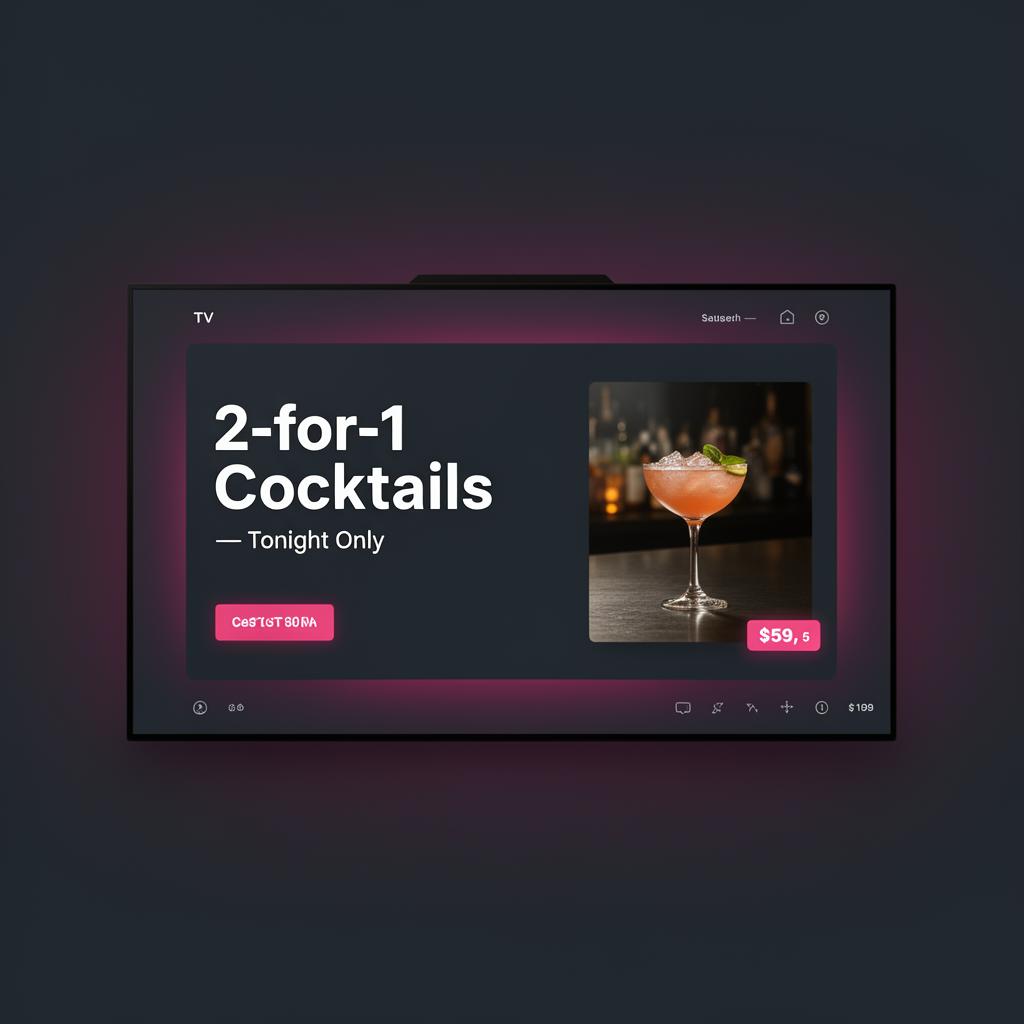
Skreen Engage
Power the in-venue experience on guest mobile via QR, on the screens you already own, or both — screens optional.
Screen Management
- Centralised control of all venue screens
- Individual screen management
- Room-based screen assignment
- Custom screen messaging
- Welcome screens
- Countdown and session messaging
- Celebration mode
- Urgent override notices
- Room-linked screen targeting for welcome messages
- Manual welcome trigger with clear warnings when no screen is linked
Screen Content Modes
- Idle advert mode
- Welcome mode
- Ordering mode
- Help request mode
- Leaderboard mode
- Mixed rotation mode
- Urgent override mode
QR-Based Guest Journeys
- Order food and drinks
- Request help from staff
- Give feedback
- Leave reviews
- Share venue moments and social content
- Mobile-first interaction layer for venues without screens
Ordering and Help
- QR ordering from guest devices
- QR help requests
- Room-linked order attribution
- Room-linked help request attribution
- Order management dashboard
- Help request dashboard
- Order status tracking
- Help request status tracking
Promotions and Campaigns
- Campaign manager
- Venue promotions
- Time-based campaigns
- Room-specific campaigns
- CTA-based on-screen promotions
- Upsell prompts
- Session extension prompts
- Event advertisements
- Membership ads
- Offer scheduling
Reviews and Feedback
- Private guest feedback
- Smart satisfaction routing
- Google review prompting for positive guests
- Service recovery capture for unhappy guests
- Follow-up contact collection
- Feedback analytics
- Review prompt click tracking
Leaderboards and Live Experience
- Longest drive
- Closest to pin
- Shuffleboard high score
- Venue challenge boards
- Live display formatting
- TV-ready display layouts
Guest Engagement and Sharing
- Share-your-visit flow
- Branded social sharing assets
- Native share support
- Download image fallback
- Copy caption fallback
- Venue-branded templates
Venue Communication Layer
- Smart prompts during the visit
- Promotion delivery through screens or mobile
- Feedback requests during or after session
- Review capture prompts
- Welcome and room messaging
- In-venue support journeys
Dynamic Guest Welcome
- Personalised welcome message on the room's screen at check-in
- Guest name, activity, room and time merged from the booking
- Celebration mode for birthdays, anniversaries and special notes
- Prominent QR call-to-action for ordering, help and feedback
- Venue-editable templates with live preview
- Strict room-to-screen targeting — never broadcasts to unrelated screens
- Manual send option when no linked screen is configured
Device and Screen Infrastructure
- Player device registry
- Pairing flow
- Screen assignment
- Device health tracking
- Heartbeat monitoring
- Remote reload commands
- Recovery and maintenance modes
- TV player support for Android TV and Google TV
- Support for QR/mobile-only venues
Platform Controls and Admin
- Super admin control panel
- Venue management
- Suspend, reactivate, or remove venues
- Pricing tier management
- 4-tier plan model
- QR-code-only venue tier
- Screen limit enforcement by plan
- Venue-specific screen limit overrides
Analytics and Operations
- QR scans
- Orders by room
- Help requests by room
- Campaign views
- Most active screens
- Feedback trends
- Review funnel analytics
- Venue-level performance visibility
Platform
Built to fit how venues actually run
Designed with hospitality operators — flexible enough for bookings-led venues, high-volume hospitality, and mobile-first concepts with no installed screens.
Mobile-first & QR-powered
Every guest journey works on a phone via QR — perfect for venues with no installed screens.
Works on existing TVs
Pair Skreen with the screens you already own. No proprietary hardware required.
One unified dashboard
Bookings, orders, feedback, promotions and analytics in a single place for your team.
GDPR-aligned & secure
Built with venue operators with privacy, payments and operational security in mind.
Stripe-powered payments
Take deposits and payments securely with industry-leading payment infrastructure.
Roles for your team
Owners, managers and staff get the right level of access across every Skreen module.
In-venue
Every screen, every guest, every moment
From ordering and help requests to reviews, control and analytics — Skreen powers it all without adding work for your team.
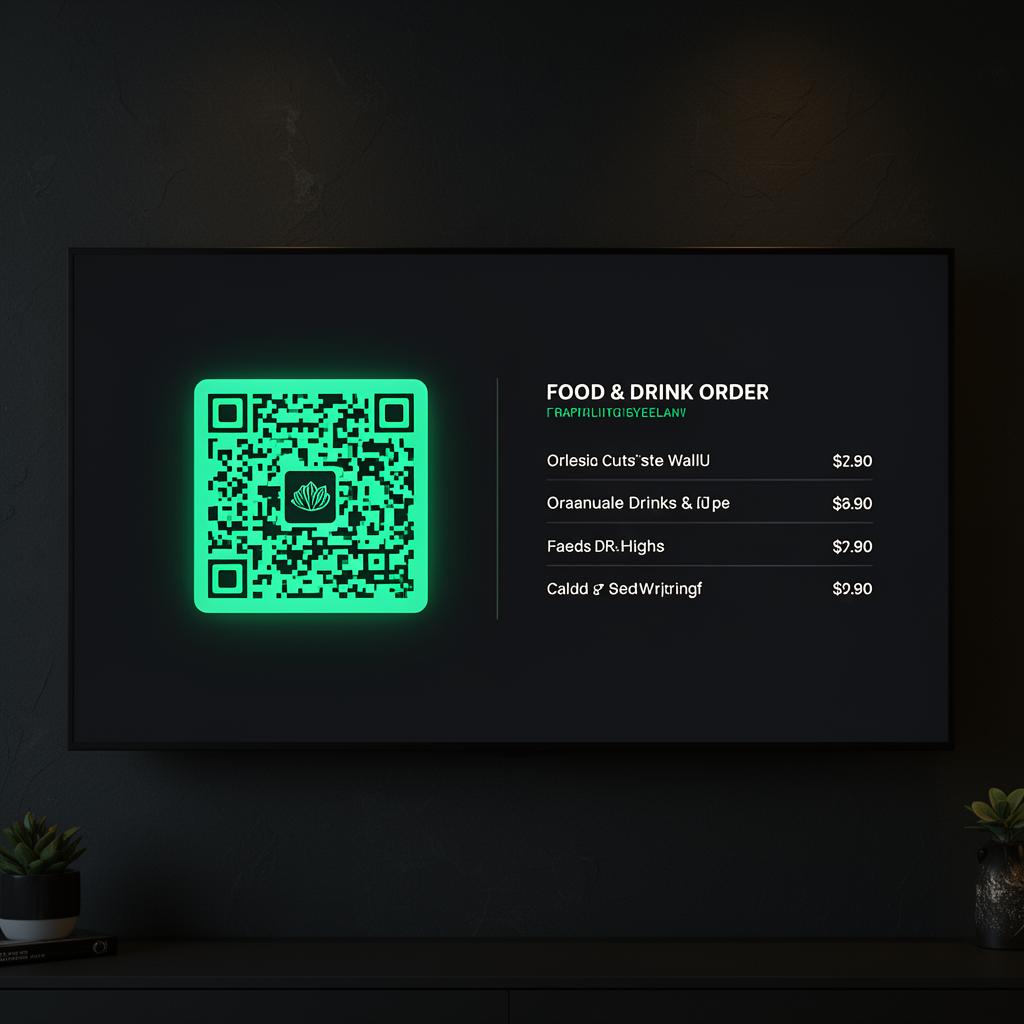
QR ordering
Guests order from their seat in seconds.
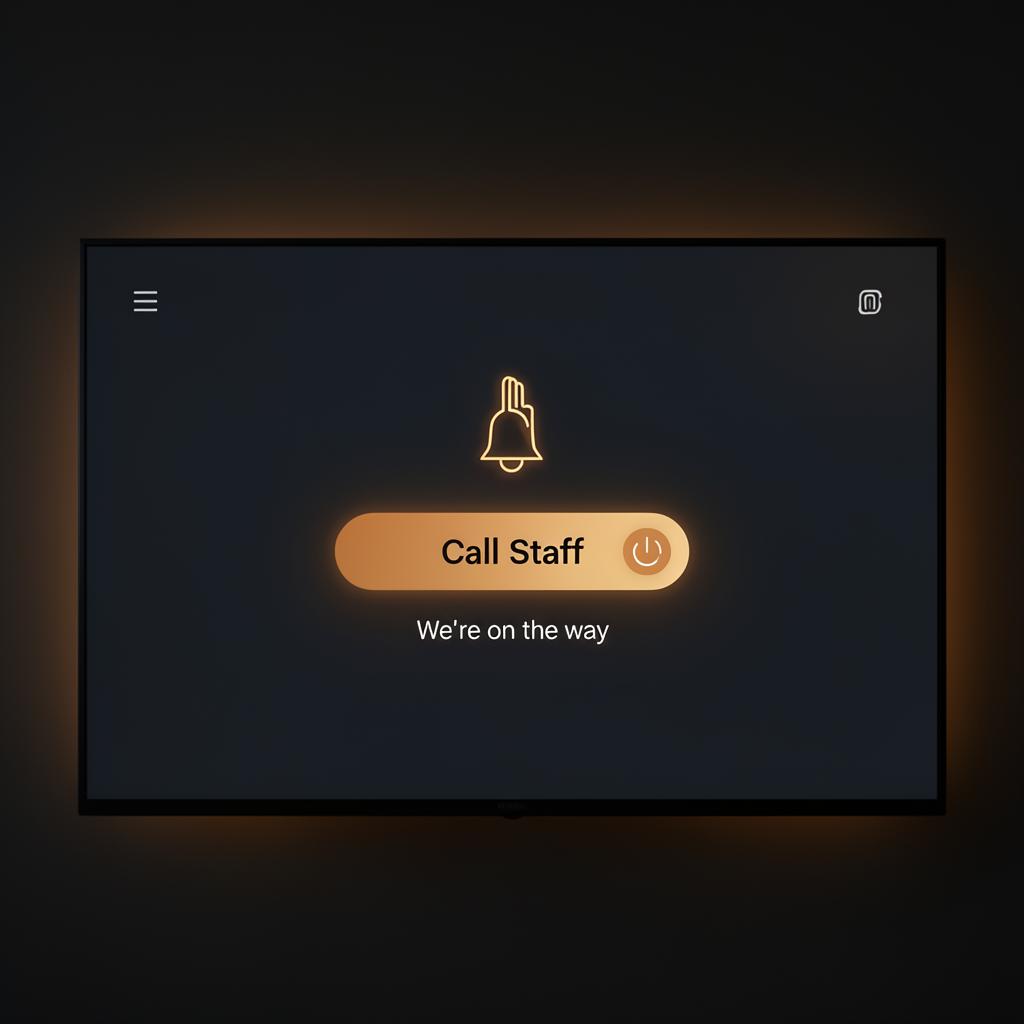
Help requests
One-tap help routed straight to the right staff.
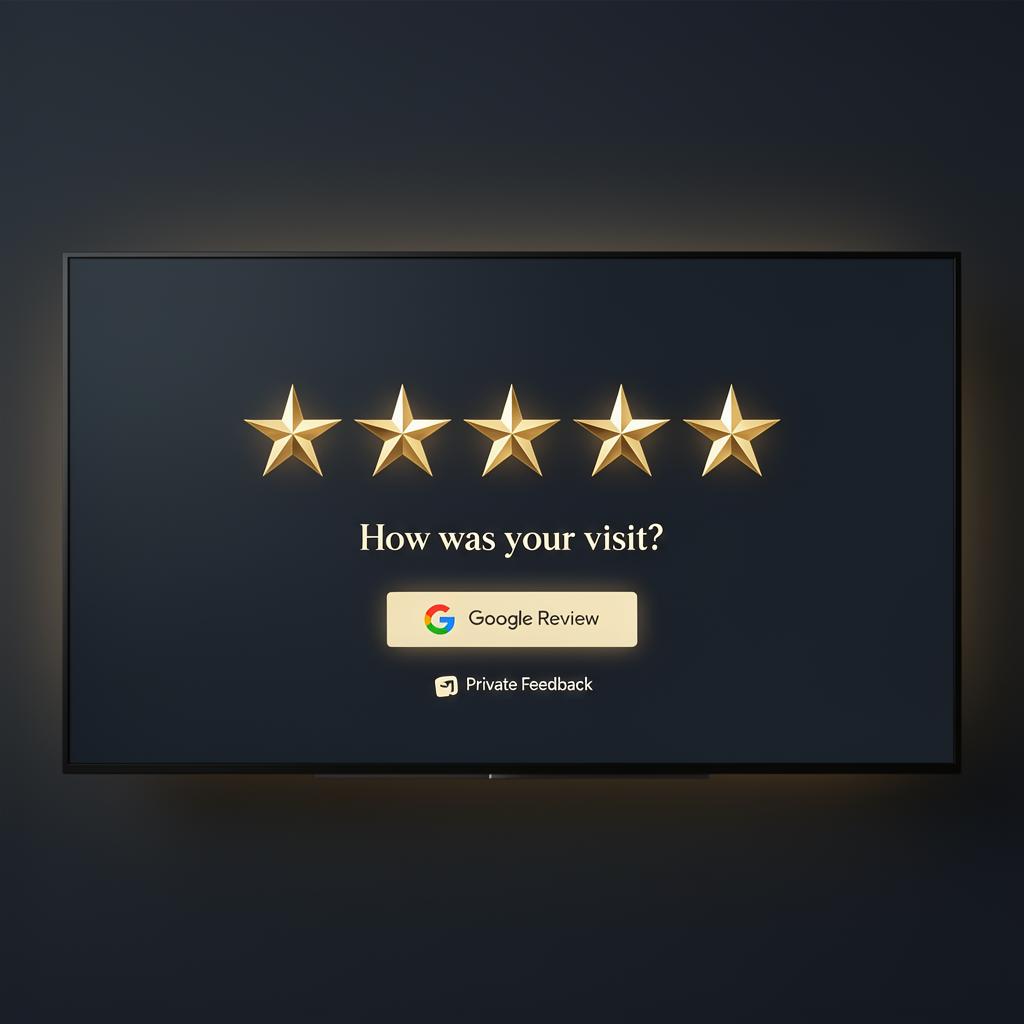
Reviews & feedback
Capture sentiment and lift Google review volume.
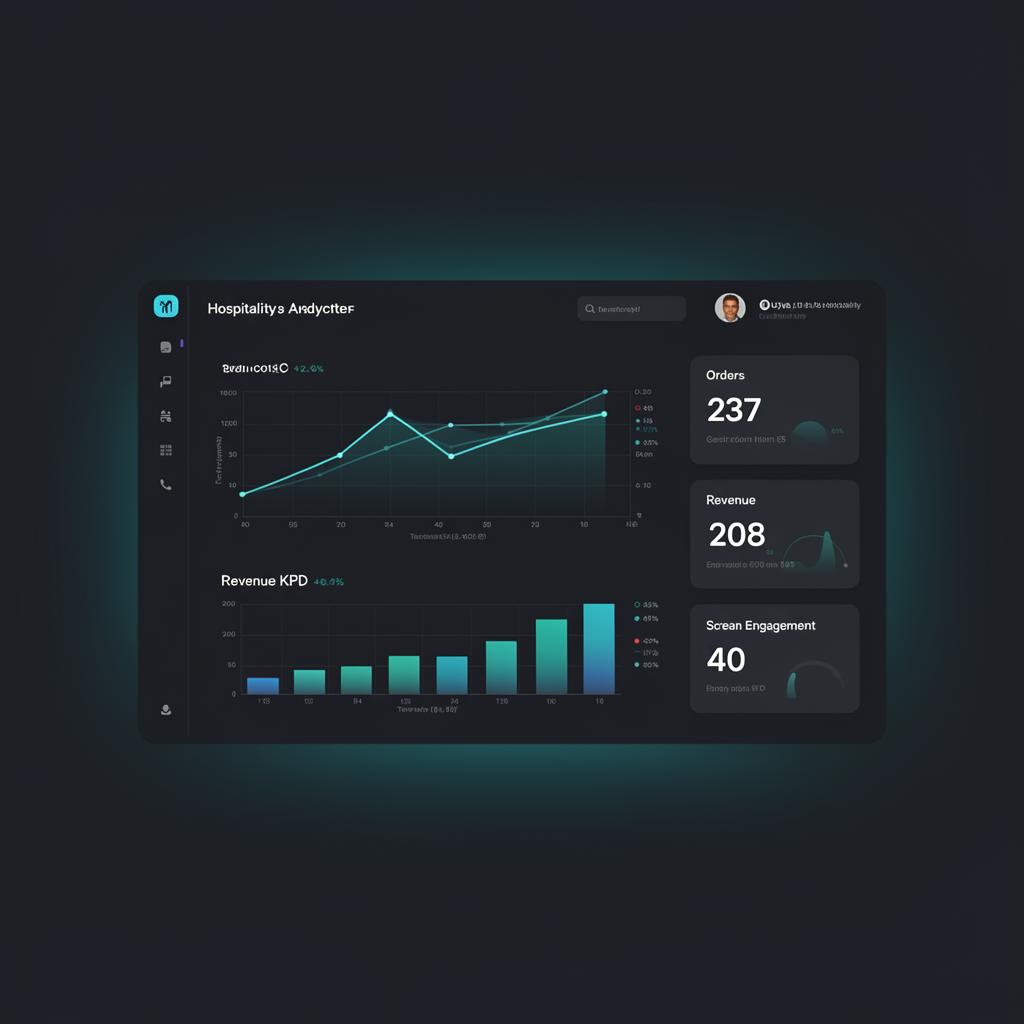
Analytics
Revenue, conversion and guest insights at a glance.
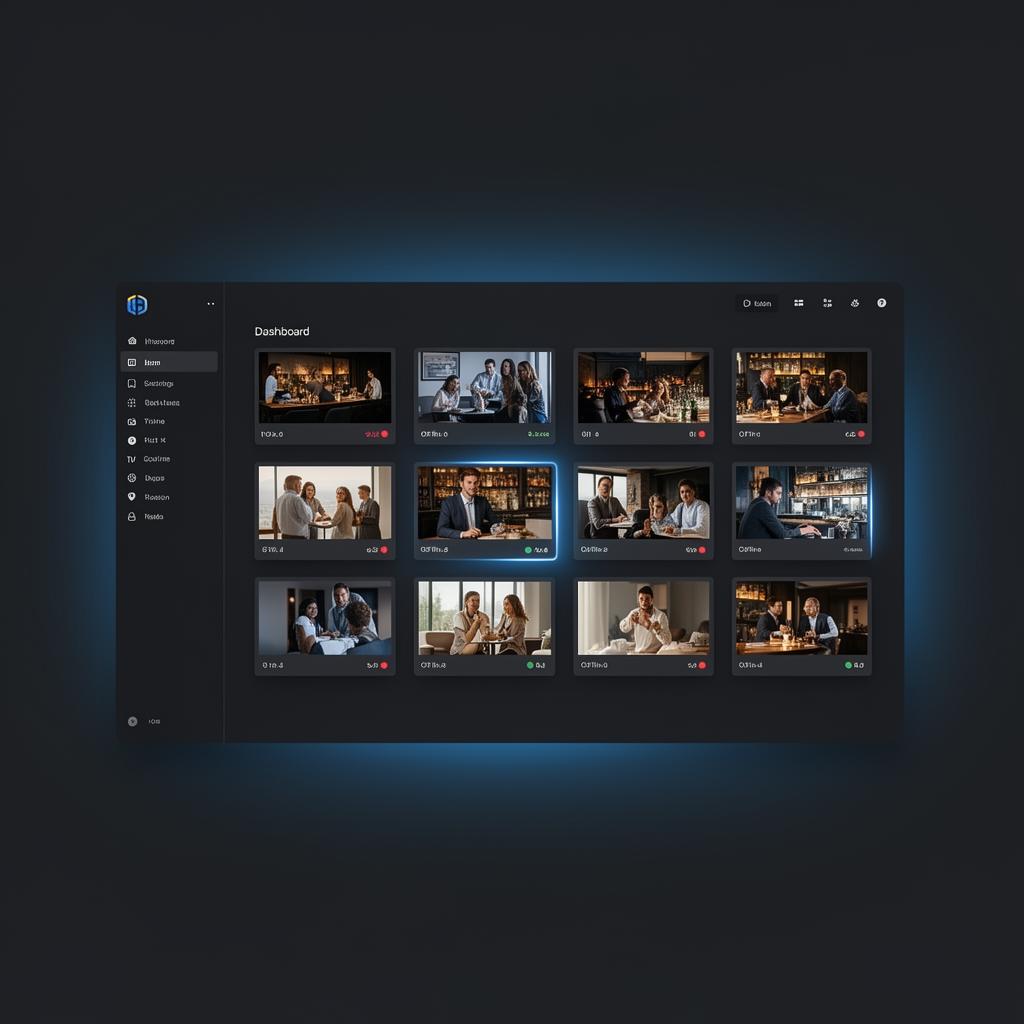
Screen control
Manage every TV, layout and campaign remotely.
Promotions
On-screen and on-mobile upsells during the visit.
See Skreen running in your venue
Book a 20-minute demo and we'll show you exactly how Skreen fits your bookings, guest engagement and in-venue experience.